Install localWiki
Set up the local-first vault for your team's secrets and setup docs.
Requires Windows 10 or later. x64 architecture.
Download
Click the download button above to get the localWiki installer (.exe). Save it anywhere convenient.
Install
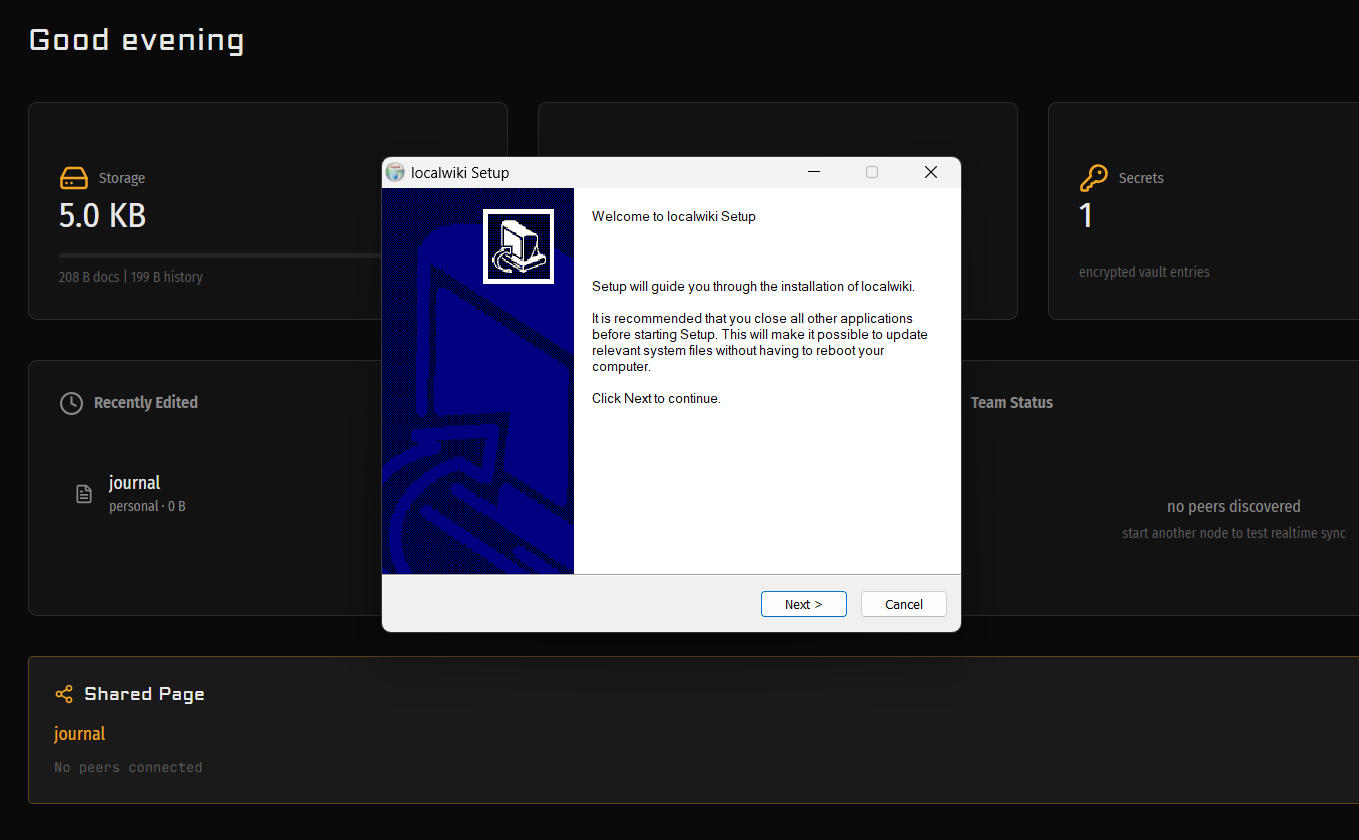
Run the installer and click Next to begin. Installation takes about 10 seconds. Click Next again when it finishes.
Allow Network Access
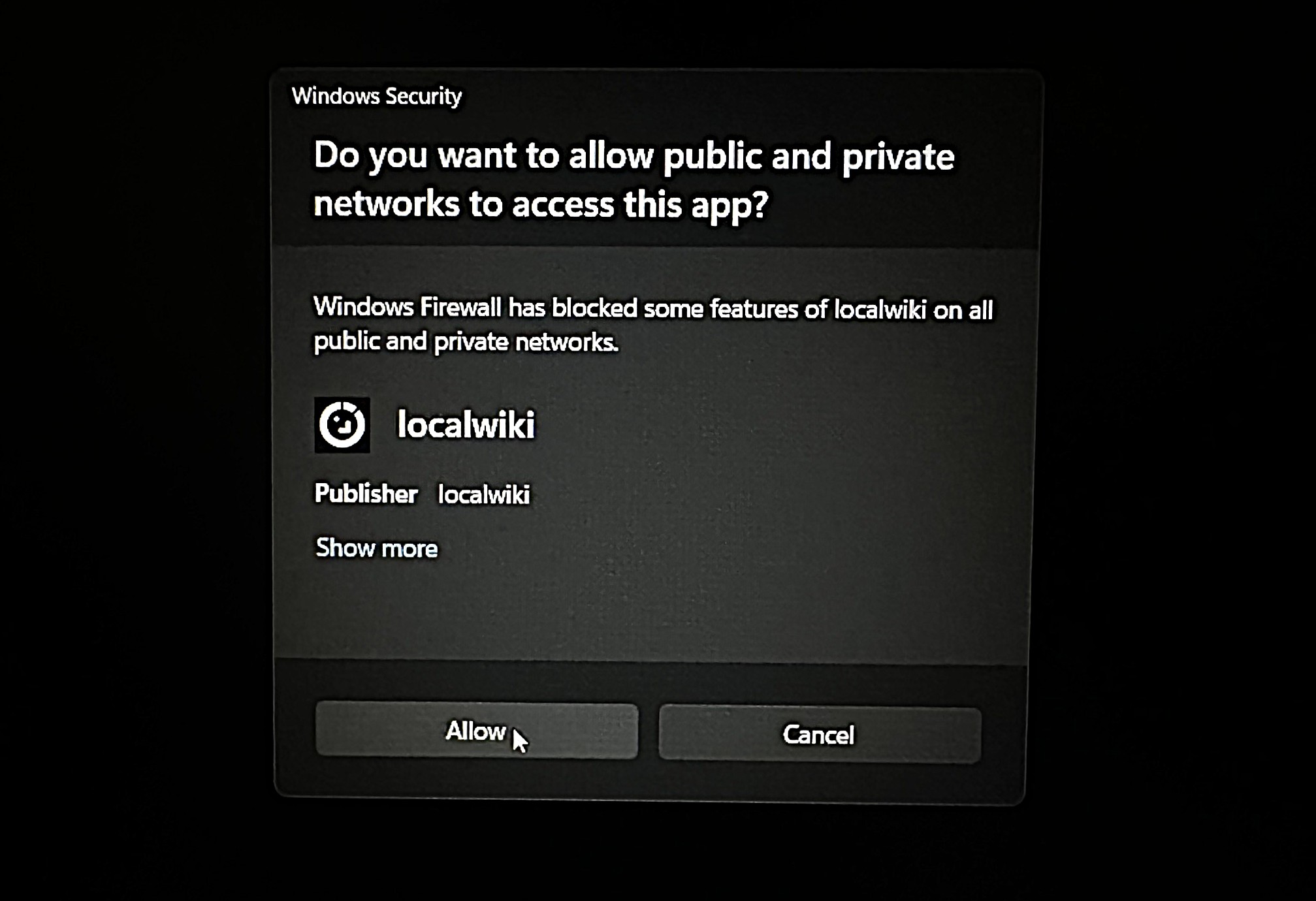
Windows Firewall will ask if localWiki can access your network. This is required for peer discovery and sync. Click Allow.
First Launch
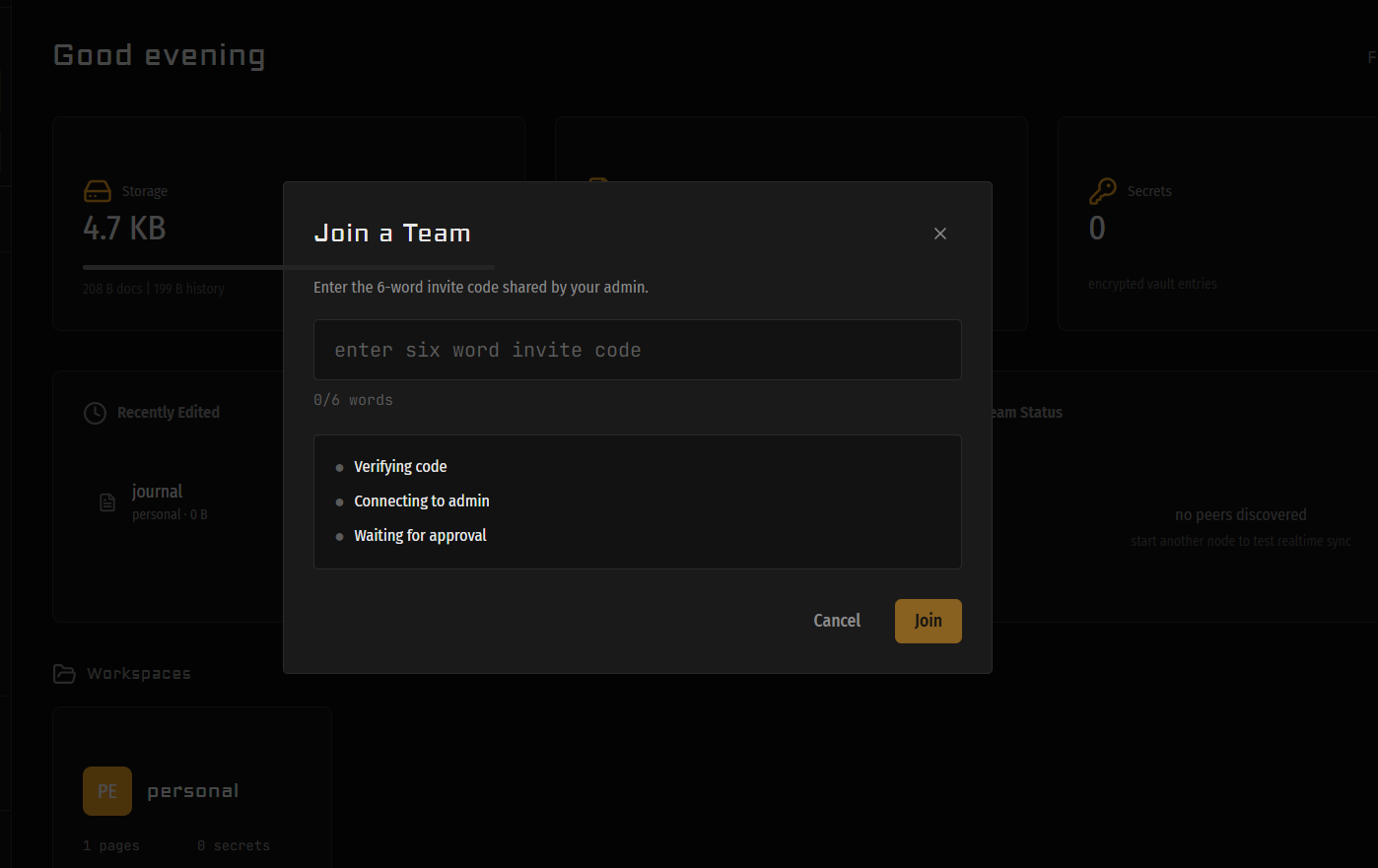
Set your master password. This is the only key to your vault. It never leaves your device. Back up the recovery phrase shown on screen.
You’re In
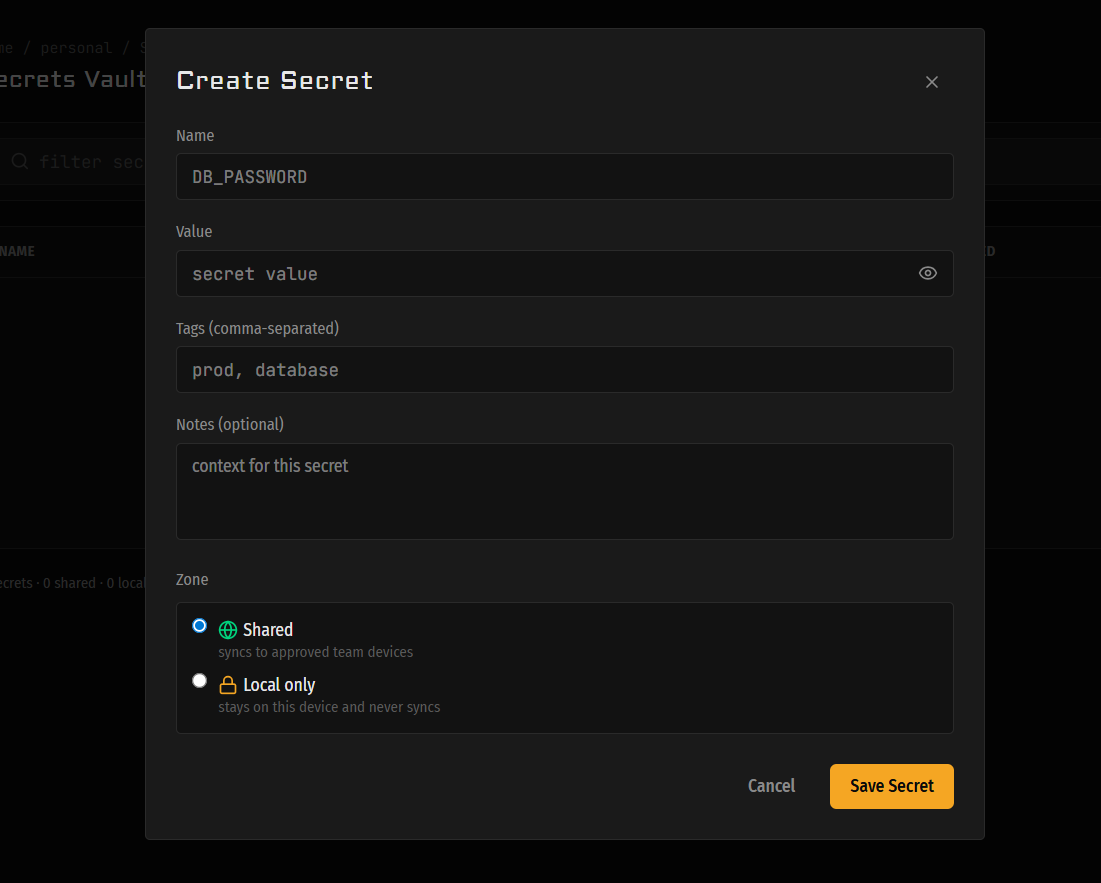
Your vault is ready. Add your canonical secrets, attach the setup context, and start replacing the chat-and-paste-link workflow.
SmartScreen Warning (Rare)
On some systems, Windows SmartScreen may flag localWiki as an unrecognized app. If this happens, click “More info” then “Run anyway.” This is normal for new, independent software.
Your vault is encrypted with Argon2id + AES-256-GCM, and your data stays on your device. Always.
Questions? Mail the team